
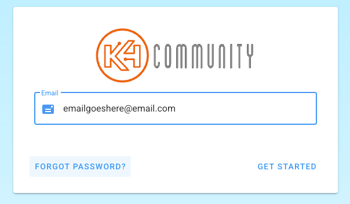
To reset your Team Hub password,
- Go to teamhub.k4connect.com
- Enter your email and click
- Click on Forgot Password
An email will be sent to the address you provided with a link to allow you to set up a new password. If your email is not recognized, you may need to have your profile created first or you may need to have your email updated.
Note: Your Team Hub login credentials can also be used to access the K4Ops app