
The Team Hub 5.0 upgrade represents an important step forward in the evolution of the platform. While the upgrade was complex, it was necessary to enable Team Hub to fully leverage the FusionOS integration and data platform.
We are excited to release the first feature that demonstrates this value: full compatibility with the iCal calendar format and all calendar systems that use it. This upgrade to FusionOS standards significantly expands scheduling flexibility, nearly tripling the options staff have for planning recurring events in Team Hub.
Expanded Events & Calendar Capabilities
Team Hub now supports full compatibility with the iCal calendar format, enabling improved interoperability with external calendar systems and significantly expanding event scheduling capabilities. As a result, staff now have substantially more flexibility when creating and managing recurring events.
Other Event Enhancements
-
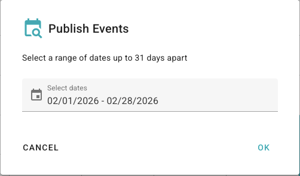
Publish Range tool lets you select up to 31 days and publish all draft events within that period
-
Expanded support for recurring events:
-
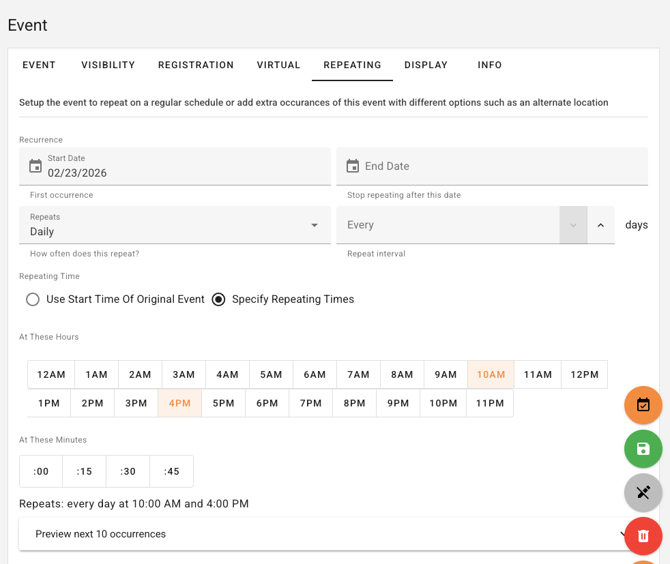
Hourly frequency added to repeating events
-
Yearly recurrence now supported, including multi-year intervals
-
Monthly recurrence by specific weekdays (i.e., second and fourth Wednesday)
-
Monthly recurrence based on position (i.e., last weekday of the month)
-
Monthly option to schedule events on the last day of the month
-
Yearly recurrence for specific weekdays within selected months (i.e., every Thursday in June, July, and August)
-
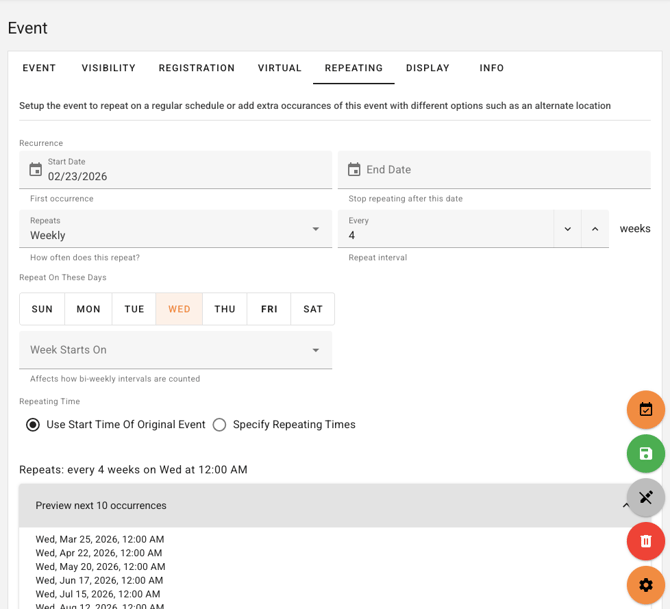
Select the start day of the week for recurring weekly events of two weeks or more
-
Hour and minute selectors for daily and weekly time slots
-
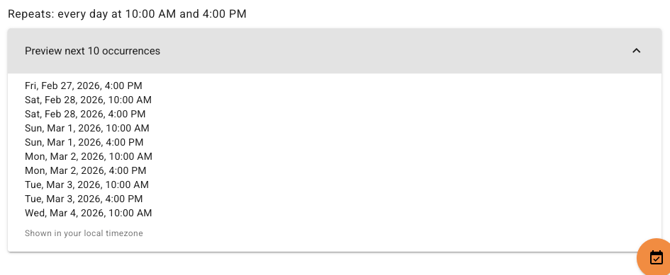
Human-readable previews with 12-hour AM/PM formatting
-
Current day highlighted in day-of-week and day-of-month selectors
-
Optional preview of the next 10 occurrences
-
Additional Enhancements
General
- Expanded text areas for content posts and broadcast messages
- Searchable selectors for content groups and users
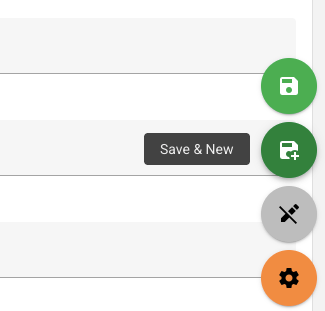
- Save and New option added to create forms
- Warnings when attempting to delete required items
Resident Check-In
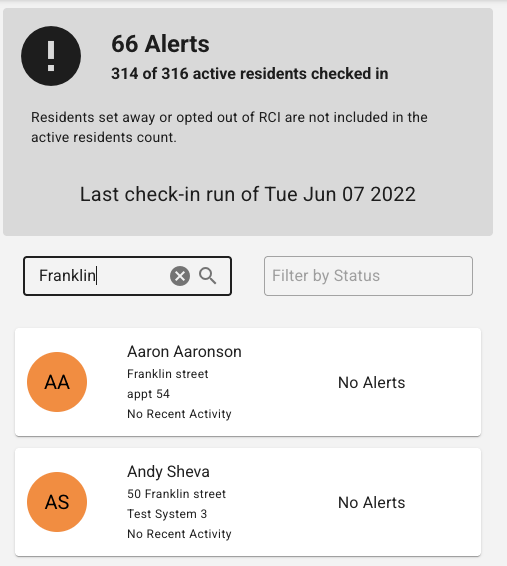
- Searchable address and system fields
- System visibility improved within Resident Check-In
Signups
- Event and time fields now auto-populate during signup creation
- Phone number, address, and email added to signup reports
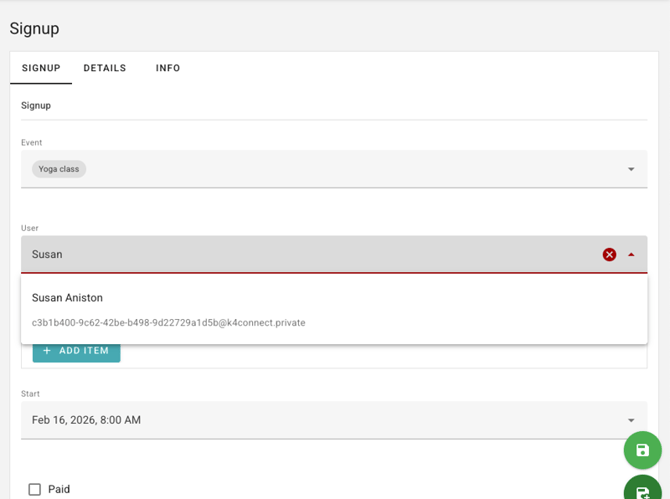
- Searchable user selection field
Slideshows
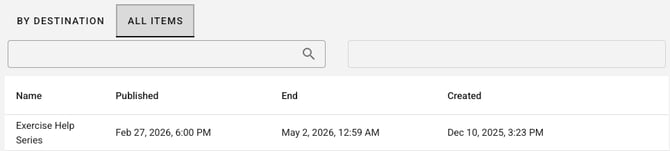
- End date column added to the slideshow table
Fixes & Stability Improvements
- Prevents duplicate calendar events when reloading data
- Resolved errors in signing up for the first event in a series of events
- Corrected filtering issues affecting other calendar events
- New user invitation emails now send automatically when a resident is created
- Fixed immediate email assignment to ensure new users can log in without delay
- Default fields, including care settings and user roles, now properly assigned for new users
- Automatically generated links in the media library (such as points balances) are now hidden
- Resolved settings save errors related to RCI email configurations
- Prevented deletion of items that are required or linked to other content